
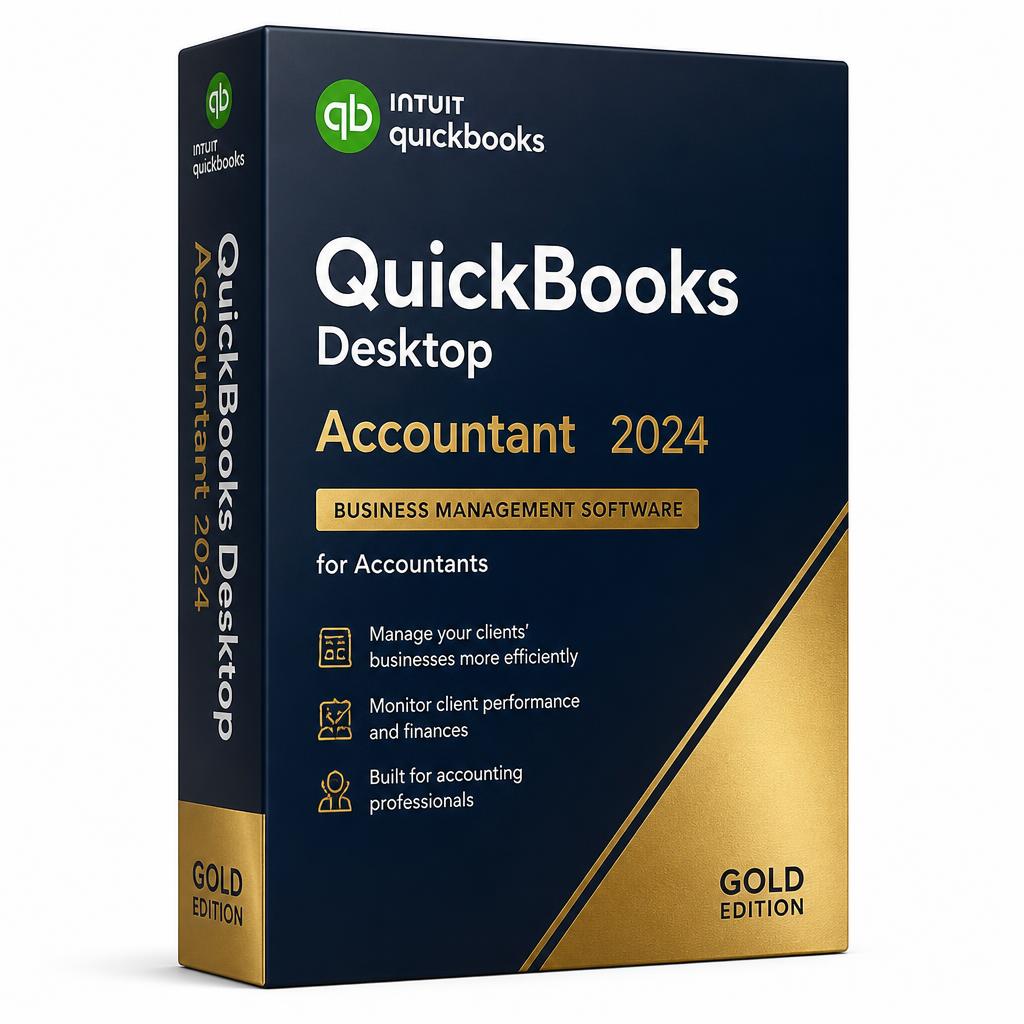
QuickBooks® Accountant 2024
The pro tool for accountants and large teams
QuickBooks Accountant 2024 (US edition) has every feature of Pro and Premier and adds batch transaction entry, the Accountant Centre, ability to open two companies side-by-side and 30 simultaneous user access — built for accounting firms and larger teams.
Before you order
This is the US edition of QuickBooks Desktop. It is supplied on request, subject to Intuit availability, and is a different product from the discontinued UK edition (support ended 30 June 2023). Its sales-tax module is configured for Mauritian 15 % VAT. For most businesses we recommend QuickBooks Online — ask us and we will tell you honestly which fits.
Best for
Accounting firms & large SMEs
Users
Up to 30 simultaneous
Why this edition
Built for how you actually work
30 Simultaneous Users
Scale from 5 to 30 concurrent users on the same QuickBooks company file.
Batch Entry
Enter dozens of invoices, bills, cheques and deposits in one grid — fast.
Accountant Centre
All the tools accountants need — reclassify, write-off, fix errors — in one dashboard.
Two Companies At Once
Open two company files side-by-side to compare, reconcile or move data.
Budgets & Cashflow
Build budgets and cashflow projections with the dedicated Accountant tools.
Audit Ready
Full audit trail, period closing and access controls — built for compliance.
What's inside
Everything you need to run the books
From day-to-day invoicing to VAT-ready reporting, this edition covers the full accounting workflow.
- ✓Everything in Pro and Premier
- ✓30 simultaneous user access
- ✓Batch entry of transactions
- ✓Batch bills and cheques
- ✓Batch enter invoices and deposits
- ✓Budgets and cashflow projections
- ✓Open two companies at the same time
- ✓Accountant Centre & Toolbox
What's new
Latest improvements
Automated Payment Reminders
Set and forget reminders for client invoices that are due or overdue.
Combine Multiple Emails
Send multiple client invoices in a single, professional email.
Smart Search & Files
Locate any company file or transaction in seconds from anywhere in the app.
Ready to get started?
Ask about availability, installation and onboarding — handled by certified QuickBooks specialists in Mauritius.